One More Lawn Map Editor: Build, Test and Publish a Lawn
A practical first map workflow for the One More Lawn editor: terrain, ponds, hills, props, Test Drive and Workshop publishing, with confirmed limits marked.
The One More Lawn map editor is a full-game feature, not part of the demo. Superdou has confirmed the tool categories but not the menu layout, the size limits or the upload process. This guide gives you a workflow that works with the confirmed tools, marks the parts that are still unverified, and avoids pretending we have used a build nobody has.
What is confirmed
The store description lists these editor capabilities:
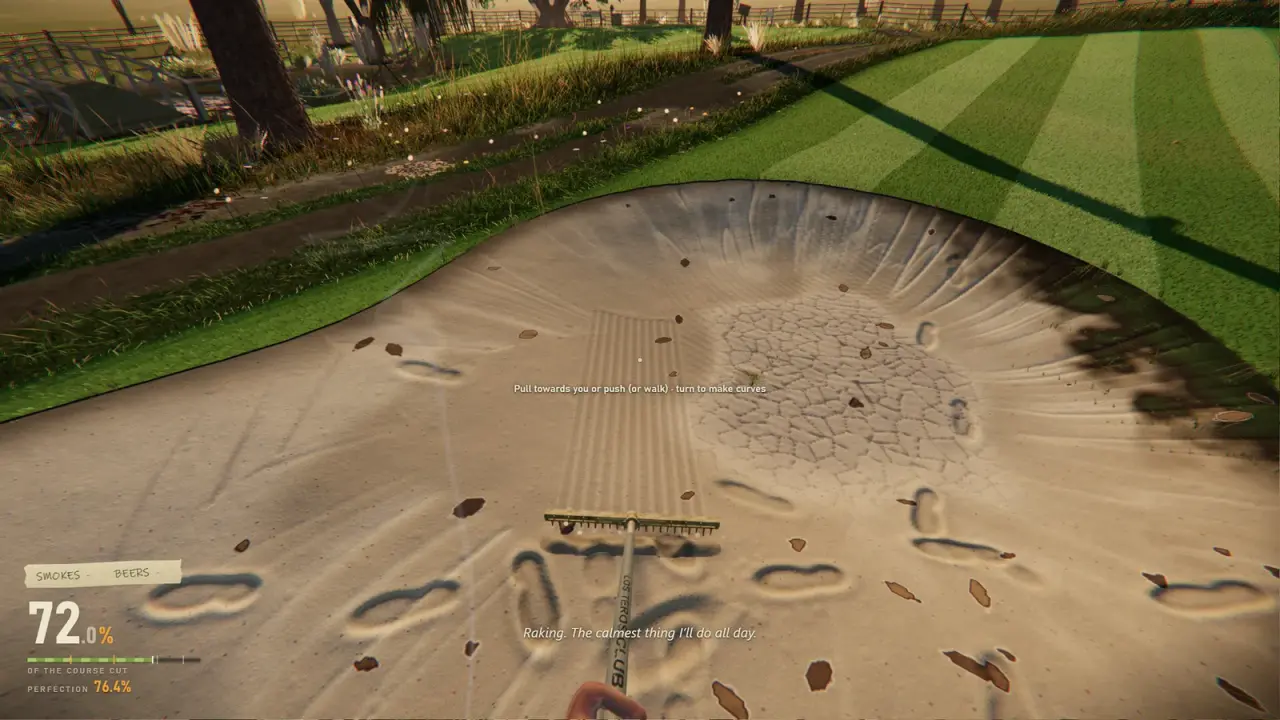
- Paint grass, sand, dirt and paths.
- Dig ponds.
- Raise hills.
- Plant trees.
- Place fences.
- Place gnomes.
- Use a Test Drive button.
- Publish to Steam Workshop.
That is enough to plan a map. It is not enough to promise a specific brush size, prop budget or undo behaviour. Treat those as things to discover on launch day.
Start with the job, not the decoration
A common editor mistake is to build a pretty scene and then realise there is no interesting mowing route through it. Start with the job:
- Pick a shape. A small courtyard, a long strip, an L-shaped garden or a golf hole.
- Pick a constraint. A 5 cm height rule, a narrow gate, a pond, a slope, a fence line.
- Pick a route. Where does the mower enter, where does it turn, where does it finish?
- Only then add decoration. Trees, gnomes and fences should support the route, not block it.
A good lawn has a rhythm: a wide opening, a tight section, a turn, a finish. A flat rectangle with ten gnomes is not a map; it is a prop showcase.
Walk the map in your head with the mower's turning circle. If a gap looks tight on foot, it is impossible on a mower. Leave more room than you think you need.
Terrain: paint in layers
The editor supports grass, sand, dirt and paths. Think of them as layers with different jobs:
| Surface | Use | Caution |
|---|---|---|
| Grass | The main lawn | Vary length and direction for visual interest |
| Sand | Bunkers, paths, beach edges | Can slow the mower and hide props |
| Dirt | Worn routes, garden beds | Reads as unfinished if overused |
| Path | Clear routes for the player | Too much path means less lawn to mow |
Paint the main grass area first, then cut in the paths and beds. If you paint decoration first, you will erase it when you fix the terrain.
The editor likely supports different grass heights, but that is not confirmed. If it does, use height to create a visible route rather than a uniform carpet. If it does not, use props and terrain shape to create the same effect.
Water: ponds are obstacles, not decoration
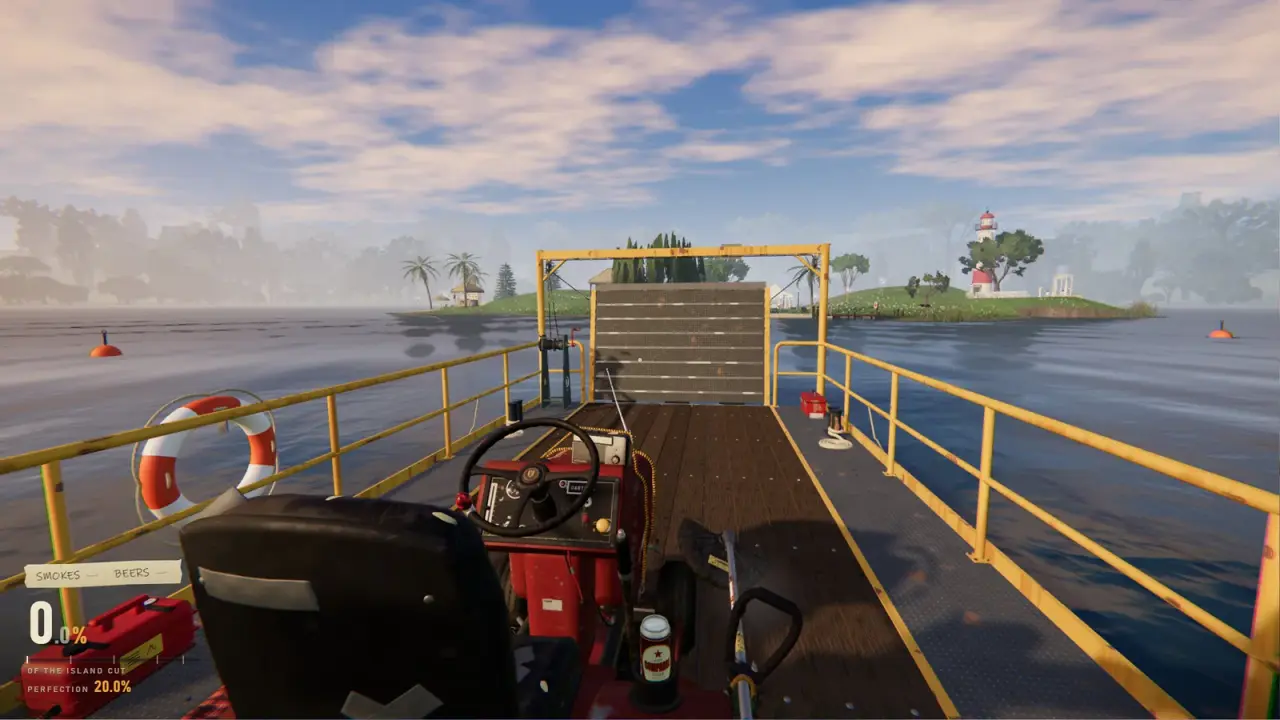
Ponds are confirmed. In the full game, water stalls the mower and forces the player to push it out. That makes a pond a real routing constraint.
Place ponds where they force a decision:
- Between two lawns, so the player must go around.
- Near a fence, so the gap is tight but passable.
- At the end of a long straight, so the player cannot simply accelerate through.
Do not place a pond directly on the only route to the job objective unless you have tested that the mower can be recovered. A soft lock is not a puzzle.
Hills and height
Raising hills is confirmed. The golf course shows why height matters: greens, fairways and tees are cut differently. A custom map can use height to create visible layers and change how the mower handles.
Keep the slopes gentle at first. A steep hill can make the mower slide, tip or fail to climb. Test every slope with the mower, not on foot.
If the editor supports smoothing, use it on the edges of hills. Hard transitions look like terrain errors and can catch the deck.
Trees, fences and gnomes
These are the personality props.
Trees create shade, block the mower and give the trimmer a job. Place them where the player has to slow down, not in the middle of a straight.
Fences define the boundary and create trimmer strips. A fence line is a natural edge; use it to frame the lawn.
Gnomes are the comedy prop. Elvira's backyard treats them as fragile decorations. In a custom map, a gnome can be a hazard, a target or a joke. Do not place so many that the player cannot move without hitting one.
A map with hundreds of individual props may run worse than a clean lawn. If the editor has a prop counter, watch it. Test Drive is your performance test as well as your route test.
Test Drive is not optional
The Test Drive button exists for a reason. Use it after every major change, not once at the end.
Your test checklist:
- Can the mower reach every area?
- Can it turn without clipping a fence?
- Does the deck cut the grass at the intended height?
- Can the player recover from water?
- Do the gnomes survive a normal route?
- Does the map still run smoothly?
If a section is boring, cut it. A smaller map with a good route beats a large map with empty corners.
Publishing to Workshop
The exact upload flow is not public. The confirmed endpoint is Steam Workshop. A sensible order:
- Finish the map and test it in single-player.
- Test it in co-op if the editor allows it.
- Give it a clear name and description.
- Add a screenshot that shows the mowing route, not just the scenery.
- Publish.
- Subscribe to your own map from a second account or ask a friend to test the download.
The Workshop guide→ covers uploads, subscriptions and missing maps in more detail.
What makes a map worth downloading
Players download maps for a reason. Give them one:
- A gimmick. A spiral lawn, a rooftop garden, a golf hole with no flat ground.
- A difficulty. A precision 5 cm map with tight fences.
- A joke. A gnome convention, a maze, a lawn that spells something.
- A challenge. A timed route or a no-trimmer run.
A generic lawn with a few trees is not a reason to download. A map that does one thing well is.
What we still do not know
- Maximum map size.
- Prop budget.
- Whether custom maps support co-op.
- Whether the editor has undo, copy or symmetry tools.
- Whether maps can use custom textures or audio.
- How subscribed maps are selected in the host menu.
We will update this page after launch. Until then, plan for the confirmed tools and leave room for surprises.
Official source: One More Lawn store page ↗ - the map editor and Steam Workshop are listed as full-game features, with terrain, ponds, hills, trees, fences and gnomes confirmed.
FAQ
Is the map editor in the demo?
No. It is a full-game feature.
Can I publish maps to Steam Workshop?
Yes. Workshop publishing is confirmed for the full game.
Can I test a map before publishing?
Yes. The editor has a Test Drive button.
Can I place water and hills?
Yes. Pond digging and hill raising are confirmed.
Do custom maps work in co-op?
That has not been confirmed. Test it after launch before planning a group session around a custom map.
Is there a prop limit?
Not announced. Watch performance in Test Drive if you place a lot of props.
Sources
- One More Lawn store page ↗ - editor and Workshop feature list.
- Steam Workshop for One More Lawn ↗ - Workshop hub.
- Steamworks Workshop documentation ↗ - how Workshop publishing generally works.
- Steam community discussions ↗ - feature discussion and developer replies.