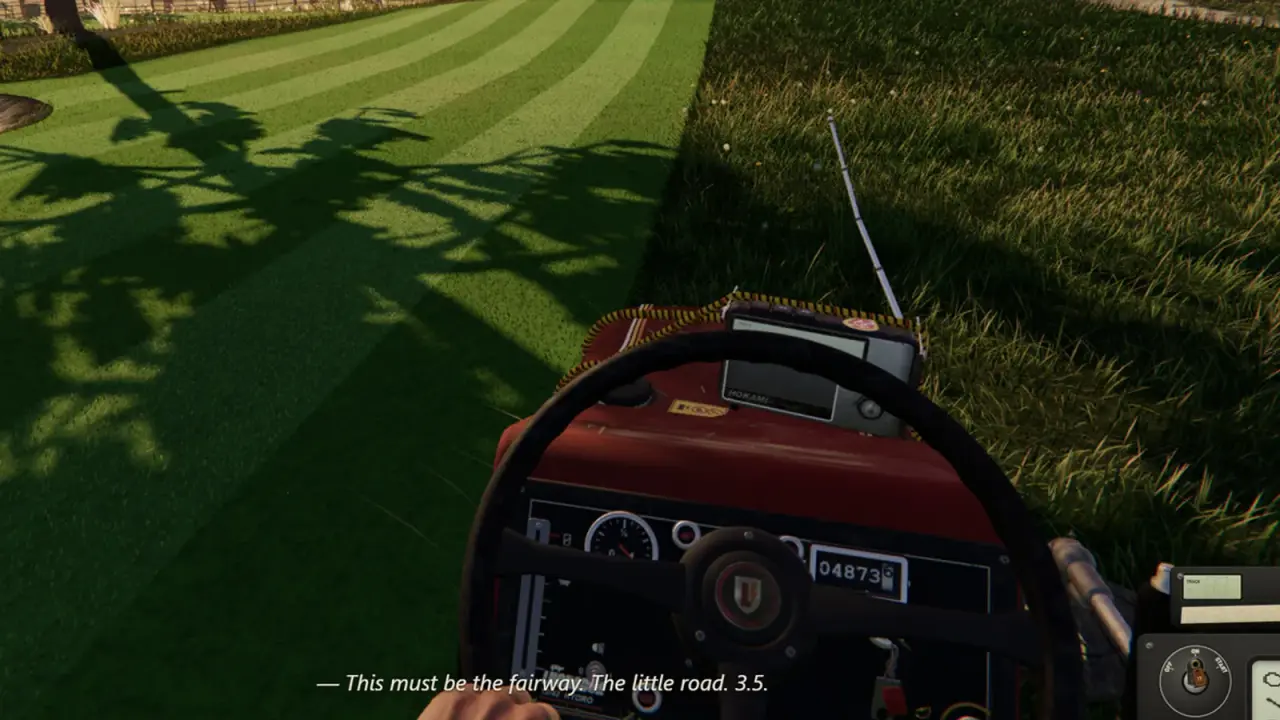
One More Lawn Controller Support: Gamepad and Steam Input
One More Lawn controller support explained: partial in the demo, full in the full game, plus Steam Input, DualShock and couch co-op setup.
One More Lawn is a driving game at heart, so a controller makes sense. The demo lists partial controller support; the full game lists full controller support. That difference matters if you plan to play on a TV. This page covers what is confirmed, how to set up Steam Input, and the problems that make a working gamepad feel broken.
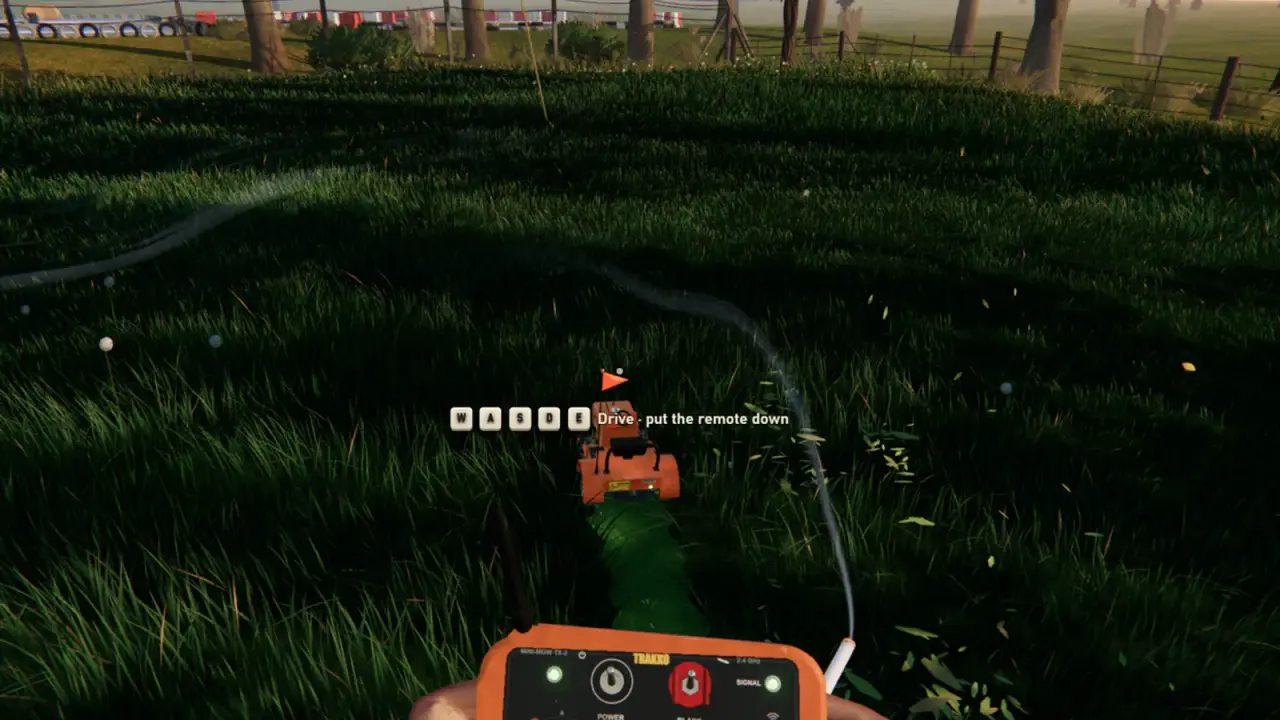
Partial versus full support
Partial controller support means the gamepad works for gameplay but some menus or text entry may need a mouse. Full controller support means you can navigate the whole game without touching a keyboard.
The demo is partial. The full game is full. If you are playing the demo on a couch and have to reach for a mouse between jobs, that is the expected limitation, not a bug.
| Build | Controller support | Menus | Gameplay |
|---|---|---|---|
| Demo | Partial | Some mouse input may be required | Gamepad supported |
| Full game | Full | Gamepad supported | Gamepad supported |
The full game's store page also lists DualShock support. That is a good sign for PlayStation-style pads, but it does not mean a PlayStation console version exists. No console version has been announced.
Which controllers should work
- Xbox controllers. The safest choice on Windows. XInput is native.
- DualShock 4 and DualSense. Listed in the full game's features. Steam Input can handle them.
- Generic XInput pads. Usually work, but build quality varies.
- Switch Pro controllers. Often work through Steam Input, but not explicitly listed.
- Steering wheels. A separate category with force feedback. See the wheel guide→.
A controller that works in Steam's Big Picture mode is a good starting point. If Steam cannot see it, the game will not either.
Setting up Steam Input
- Connect the controller before launching the game.
- Open Steam and confirm the controller is detected.
- Right-click One More Lawn and open Properties.
- Check the controller settings. Use the default template first.
- Launch the game and test the sticks, triggers and face buttons.
- If the layout is wrong, try a different Steam Input template.
Do not start with a custom community layout. A bad template can make the game feel unresponsive when the default is fine.
The front yard is a safe space to check steering, blade engagement and the deck lever. If the mower responds there, the controller is working.
The controls that matter
The mower has a physical dashboard. The confirmed interactions include:
- Steering.
- Throttle and brake.
- Blade engagement.
- Deck height.
- The start sequence.
- Lights and the radio.
On a gamepad, expect the sticks for steering and camera, triggers for throttle and brake, and face buttons for the dashboard actions. The exact mapping is not published, and the demo's layout may differ from the full game.
The important thing is not the button label. It is the sequence: start the engine, engage the blades, set the height, then drive. A controller does not change the sequence.
Couch co-op
Online co-op is the confirmed mode. There is no announcement of split-screen or local co-op. Do not buy four controllers expecting one PC to host four players on one screen.
If you want a couch session, the practical setup is:
- One PC per player, or
- One host PC and remote friends through Steam, or
- A shared screen with friends taking turns.
The full game's full controller support makes the TV setup smoother, but it does not add local multiplayer.
Troubleshooting a controller that does not work
The game does not detect the pad. Confirm Steam sees it first. Restart Steam after connecting.
The sticks drift. Calibrate the controller in Windows or Steam. Test another game.
The triggers do nothing. Check the Steam Input template. Some templates map triggers to buttons.
The camera spins. Another input device may be active. Unplug a wheel or flight stick.
The game shows keyboard prompts. The prompt set may not switch until you press a button on the pad. Try pressing a face button.
The controller disconnects. Check the cable, the battery and the USB port. Wireless interference is common on a crowded desk.
The game crashes when the pad connects. Read the crash guide→. Overlay software is a common culprit.
Controller versus wheel
A gamepad is the easier choice. A wheel is the more immersive choice, especially with force feedback. The game supports DirectInput wheels with force feedback, including Logitech G29-class hardware.
The trade-off:
| Input | Strength | Weakness |
|---|---|---|
| Gamepad | Easy, compact, works on any PC | Less immersion |
| Wheel and pedals | Real steering feel, force feedback | Space, setup, cost |
| Keyboard | No extra hardware | Digital steering, poor throttle control |
For a first session, use a gamepad. If you fall in love with the mower, consider a wheel. The steering wheel guide→ covers the setup.
Accessibility notes
The game lists Playable without Timed Input, which is useful for players who need to pause or think. It also lists Save Anytime, so you can stop mid-job.
Full controller support is an accessibility feature as much as a comfort feature. It means a player who cannot use a keyboard can still navigate the whole game.
What is not confirmed
- Local split-screen.
- Console releases.
- Remappable controls in-game.
- gyro or motion controls.
- Controller-specific UI beyond the prompt set.
Treat any guide that lists exact button maps as provisional until the full game is out.
Official source: One More Lawn store page ↗ - the full game lists full controller support and DualShock support; the demo lists partial controller support.
FAQ
Does One More Lawn support controllers?
Yes. The full game has full controller support. The demo has partial support.
Does the demo support PlayStation controllers?
The demo lists partial controller support. The full game explicitly lists DualShock support. Use Steam Input for the best results.
Can I play local split-screen?
No local co-op has been announced. Online co-op is the confirmed mode.
Can I remap the controls?
In-game remapping has not been confirmed. Steam Input can remap at the Steam level.
Does the game work with a steering wheel?
Yes. DirectInput wheels with force feedback are supported, including Logitech G29-class wheels.
Why does the game show keyboard prompts?
The prompt set may not have switched. Press a button on the controller, or check the input settings.
Sources
- One More Lawn store page ↗ - controller support and feature list.
- One More Lawn demo ↗ - partial controller support.
- Steam Input documentation ↗ - how Steam handles controller templates.
- Logitech support ↗ - wheel driver and setup help.