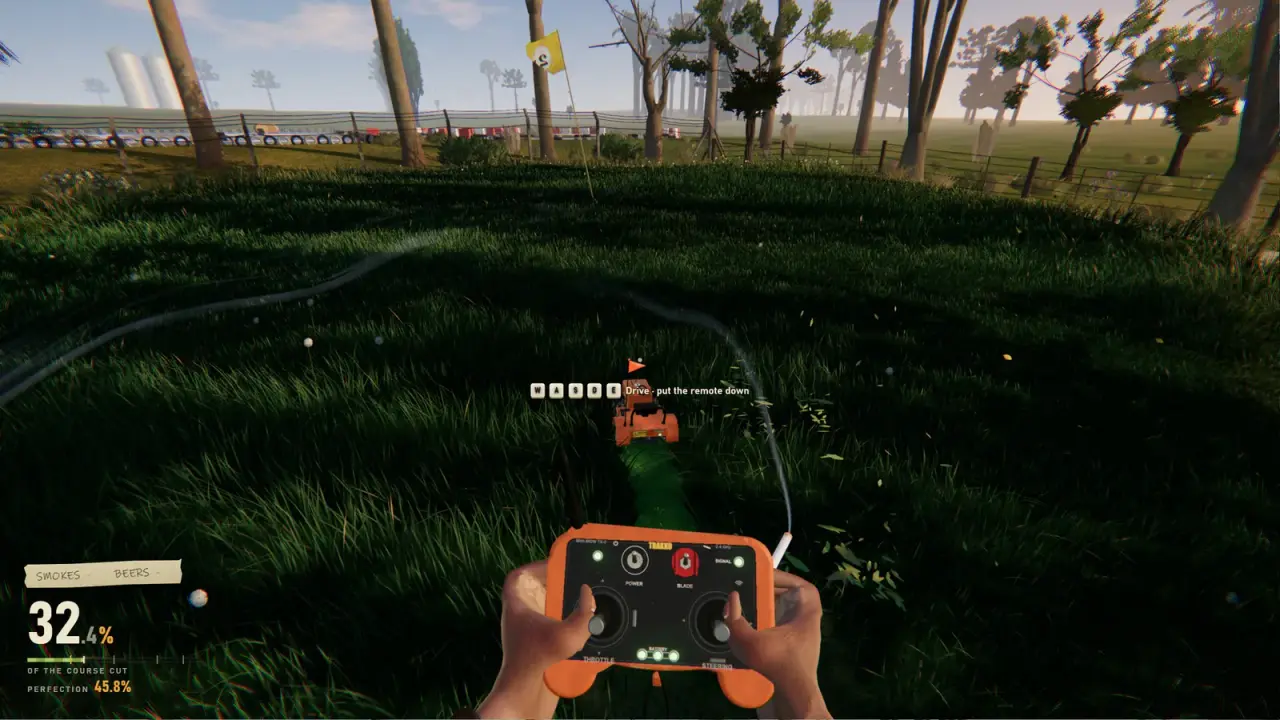
Best Mower in One More Lawn: What Actually Changes the Cut
There is only one mower in One More Lawn. Here is what actually changes how it cuts: deck height, blade discipline, route, controller and wheel setup.
Searching for the best mower in One More Lawn assumes a choice the game does not offer. You drive one riding mower across every job. There is no shop, no upgrade tree and no second model with better stats. The meaningful question is how to set up and drive the mower you have. Deck height, blade discipline, route planning and your input device change the cut far more than a fictional stat sheet ever could.
The honest answer
The best mower is the one the game gives you, configured correctly. Set the deck height before you move, engage the blades before you lower the deck, cut the perimeter first, and use the trimmer only where the deck cannot reach. Those four habits matter more than any setting.
If you came here looking for a ranking of models, there is nothing to rank. If you came here because your lawn looks uneven, the fix is almost always technique or deck height rather than hardware.
What the mower actually has
The dashboard is part of the joke and part of the simulation. Confirmed controls include:
- A key you hold to start the engine.
- A blade switch.
- A cutting-height lever.
- Lights.
- A fuel gauge.
- A radio.
The mower also has a visible steering wheel and mechanical instruments, which is why wheel and pedal support is more interesting here than in most casual games. You are not controlling an abstract vehicle; you are sitting in a machine with a dashboard.
There is no confirmed engine upgrade, blade upgrade or speed upgrade. The full game may add editor maps that change the terrain, but that is a different thing from a vehicle roster.
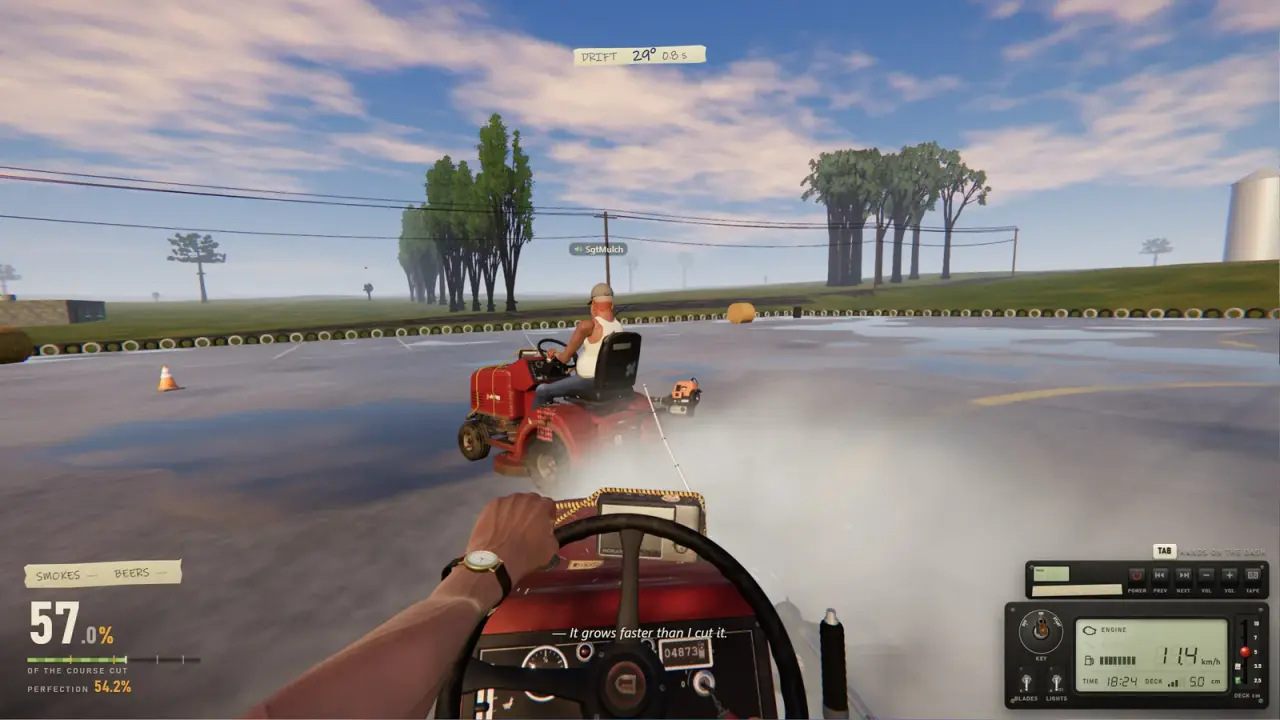
Official source: One More Lawn store page ↗ - the game lists full controller support and force-feedback wheel support, with no second mower or upgrade system.
Deck height is the real stat
If this game had a "best mower" stat, it would be deck height. Elvira wants grass at exactly 5 cm. The golf course has greens, fairways and tees at different heights. The same mower has to serve all of them.
A deck set too low scalps the lawn and leaves brown patches. A deck set too high leaves the grass long and forces a second pass. The correct height depends on the job and, on the golf course, on which surface you are cutting.
My routine:
- Stop the mower before changing the lever.
- Set the height for the surface, not for the whole property.
- Make one test stripe in a corner before committing to a full pass.
- Re-check the lever after any menu, ferry or respawn.
That last point is the one people miss. A transition can leave the deck in a state you did not intend, and the first stripe tells you before the whole lawn does.
Cut a short strip in a corner, get off, and look at it from the side. If the height is wrong, you have lost ten seconds. If you discover it after the whole lawn, you have lost the job.
Blades and engine discipline
The start sequence is not flavour. The engine has to be running, the blades have to be engaged, and the deck has to be lowered. Skip any of those and you are driving, not mowing.
The demo's mower is described as beat-up and temperamental in the official announcements. That is characterisation, not a random failure system as far as we can tell. Do not expect the engine to stall at dramatic moments; do expect to hold the key until it catches.
The fuel gauge matters on the larger properties. The golf course and the island are big enough that a refill trip can interrupt a route. The fuel can exists for that reason. Plan the refill before the gauge is empty, not after.
Route planning changes the cut more than speed
A clean lawn is a routing problem. The mower cuts what passes under the deck, so every turn leaves a mark and every overlap shows.
The route that works for me:
- Perimeter first. Cut the boundary, then work inward. You get a clean edge and a turning lane.
- Long straight passes. Keep the mower moving in straight lines for as long as the yard allows.
- Turn on the cut, not on the uncut. Turning on finished grass avoids torn patches.
- Trim last, but not at the very end. Do the edges while you still remember where they are, then do a final inspection lap.
On the golf course, the route changes because the surfaces change. You cannot treat a green like a fairway. Our golf course guide→ explains the surface order.
Controller versus wheel versus keyboard
The full game lists full controller support. The demo lists partial controller support. That difference is worth knowing before you build a couch setup around the demo.
A gamepad is the most practical input for most players. It gives you analogue steering and easy access to the dashboard buttons. Keyboard and mouse work, but the mower is a vehicle, and digital steering makes smooth stripes harder.
A force-feedback wheel is the enthusiast option. The game supports DirectInput wheels with pedals, and the official description mentions force feedback. A Logitech G29 is the obvious example. The catch is that a wheel is great for driving and awkward for the on-foot sections, where you may still need a keyboard or controller.
Our controller guide→ covers the demo caveat and Steam Input. The steering wheel guide→ covers the force-feedback setup and its limits.
What "best" means on each job
| Job | What the mower needs | Setup priority |
|---|---|---|
| Front yard | Nothing special | Learn the start sequence |
| Elvira's backyard | Precision at 5 cm | Deck height and careful turns |
| Los Teros | Height changes and sand | Surface-by-surface deck discipline |
| Marcela's island | Transport and water survival | Fuel, ferry timing, avoiding deep water |
On Elvira's lawn, the best mower is a accurately set one. On the golf course, it is a mower that can change height without scalping. On the island, it is a mower that arrives with fuel and does not end up in the sea.
Settings that are worth changing
We do not have a confirmed full settings menu, so this list stays conservative:
- Input device. Pick the one you will use for the whole session. Switching mid-job is worse than committing.
- Steering sensitivity. If the mower feels twitchy, lower it before you blame the deck.
- Radio volume. The in-game radio is part of the atmosphere, but it can drown out proximity voice in co-op.
- Shared Music. Off by default. Leave it off unless the whole lobby agrees.
Graphics settings belong on the low FPS page→, not here. They change the frame rate, not the cut.
FAQ
Is there a better mower to unlock?
No. One mower is confirmed. There is no shop or upgrade tree.
Does the mower have upgrades?
None have been announced. Deck height and driving technique are the only confirmed ways to change the cut.
Is a steering wheel better than a controller?
It is more immersive and better for long driving sessions. It is not automatically faster, and it is awkward for on-foot sections.
Why is my lawn uneven?
Check deck height first, then your route. A deck set too high leaves strips, and turning on uncut grass tears patches.
Does the demo support the same controllers as the full game?
No. The demo lists partial controller support; the full game lists full controller support.
Sources
- One More Lawn store page ↗ - mower description, controller support and force feedback.
- One More Lawn demo ↗ - partial controller support label.
- Steam community discussions ↗ - player reports on handling and performance.
- Logitech support ↗ - wheel and pedal documentation for G29-class hardware.